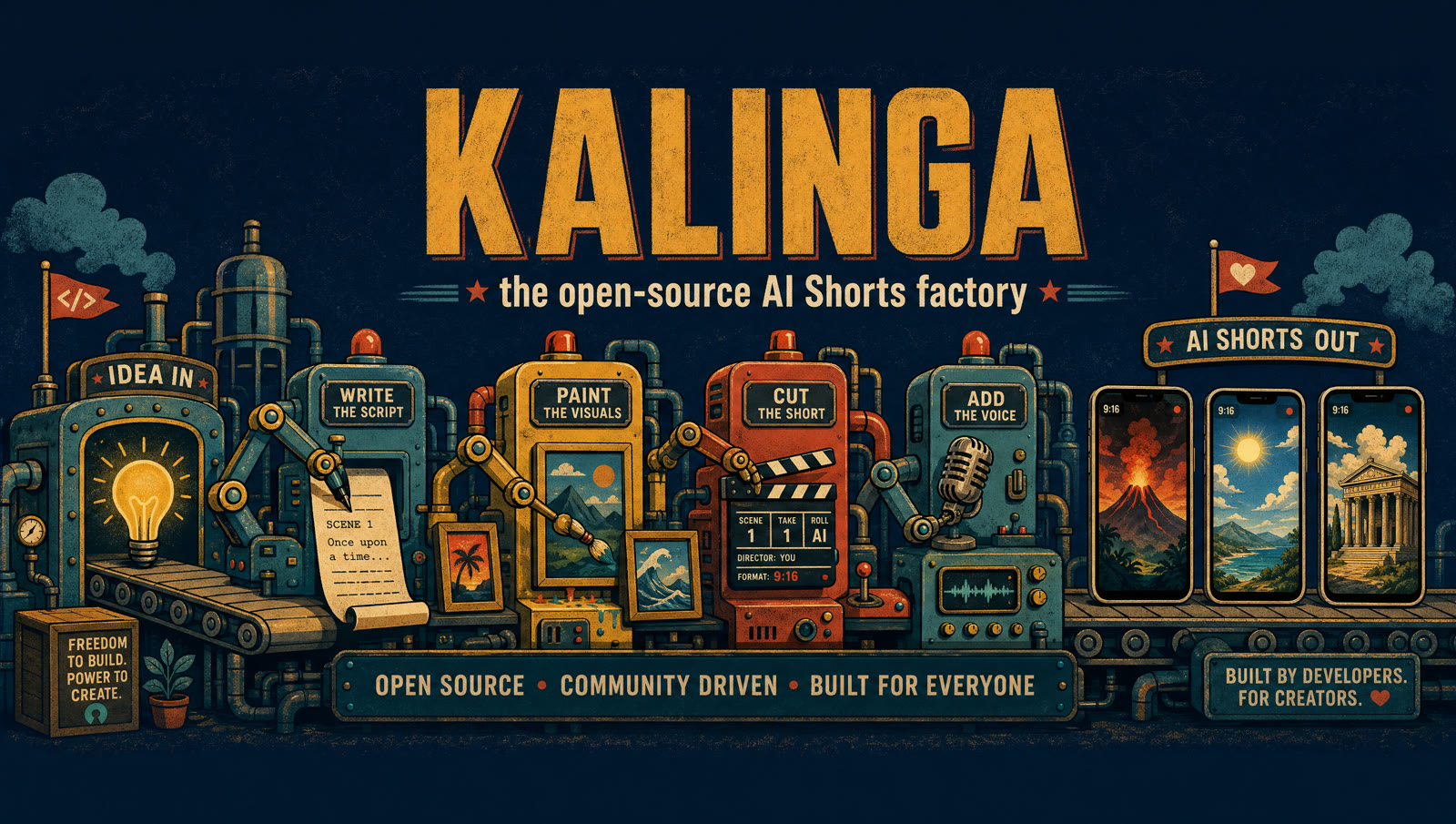
Kalinga — the open-source AI Shorts factory

One topic in. A finished, upload-ready Short out.

Describe a channel once — premise, voice, beat structure, look — and Kalinga researches, writes, directs, generates and assembles a captioned 1080×1920 video. Creative runs on your Claude subscription at $0 marginal cost; generation runs on Higgsfield credits.

research script direction voice keyframes clips assemble SEO validate

Drive it from the browser or the terminal

Two modes over the same artifacts — a local browser control center (stdlib HTTP, zero extra dependencies) and a CLI with headless one-shot, interactive, and per-stage commands. They resume each other freely.

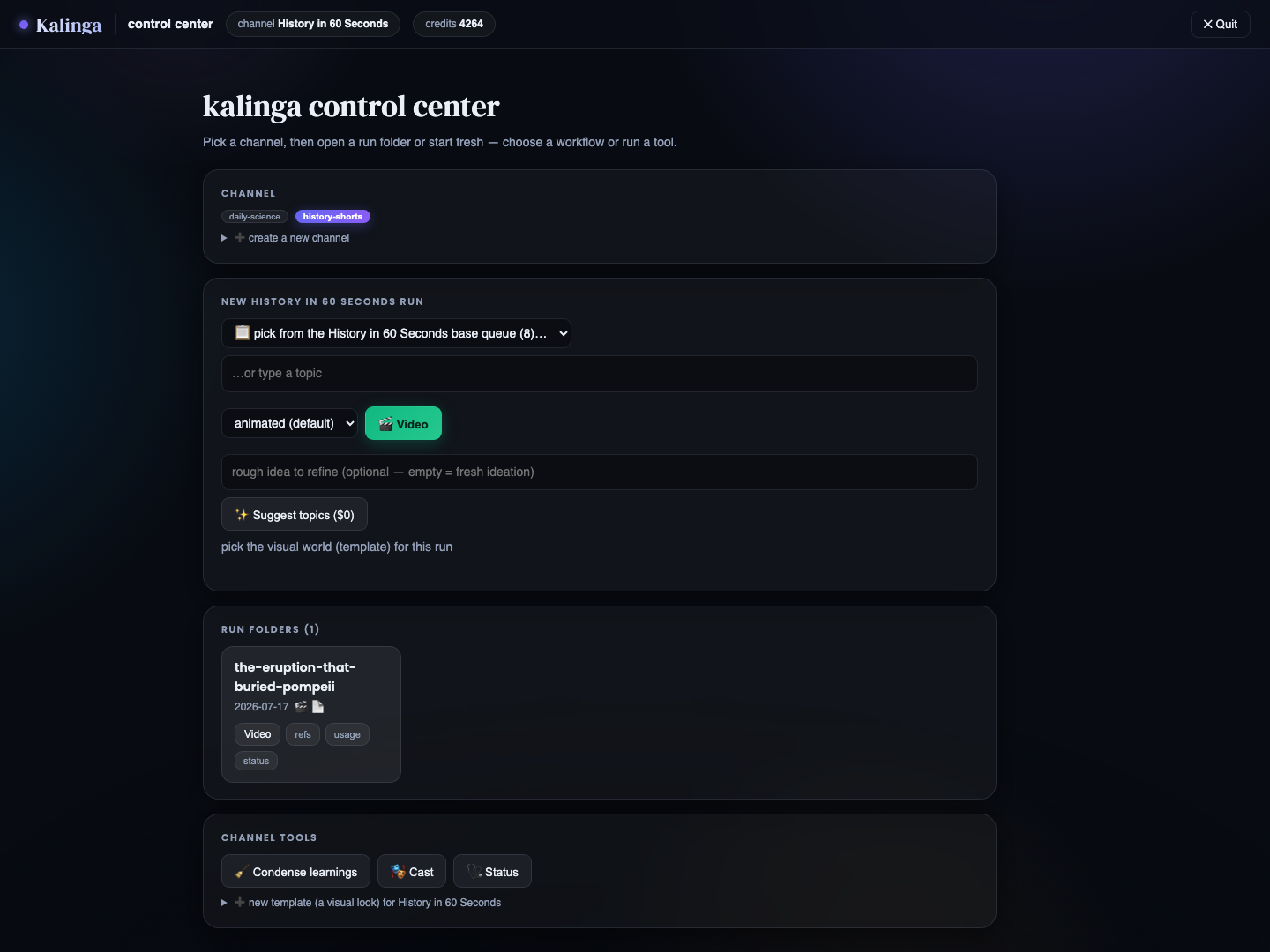
The control center — channels, runs, tools
The control center — channels, finished runs, tools, AI channel & template creation.
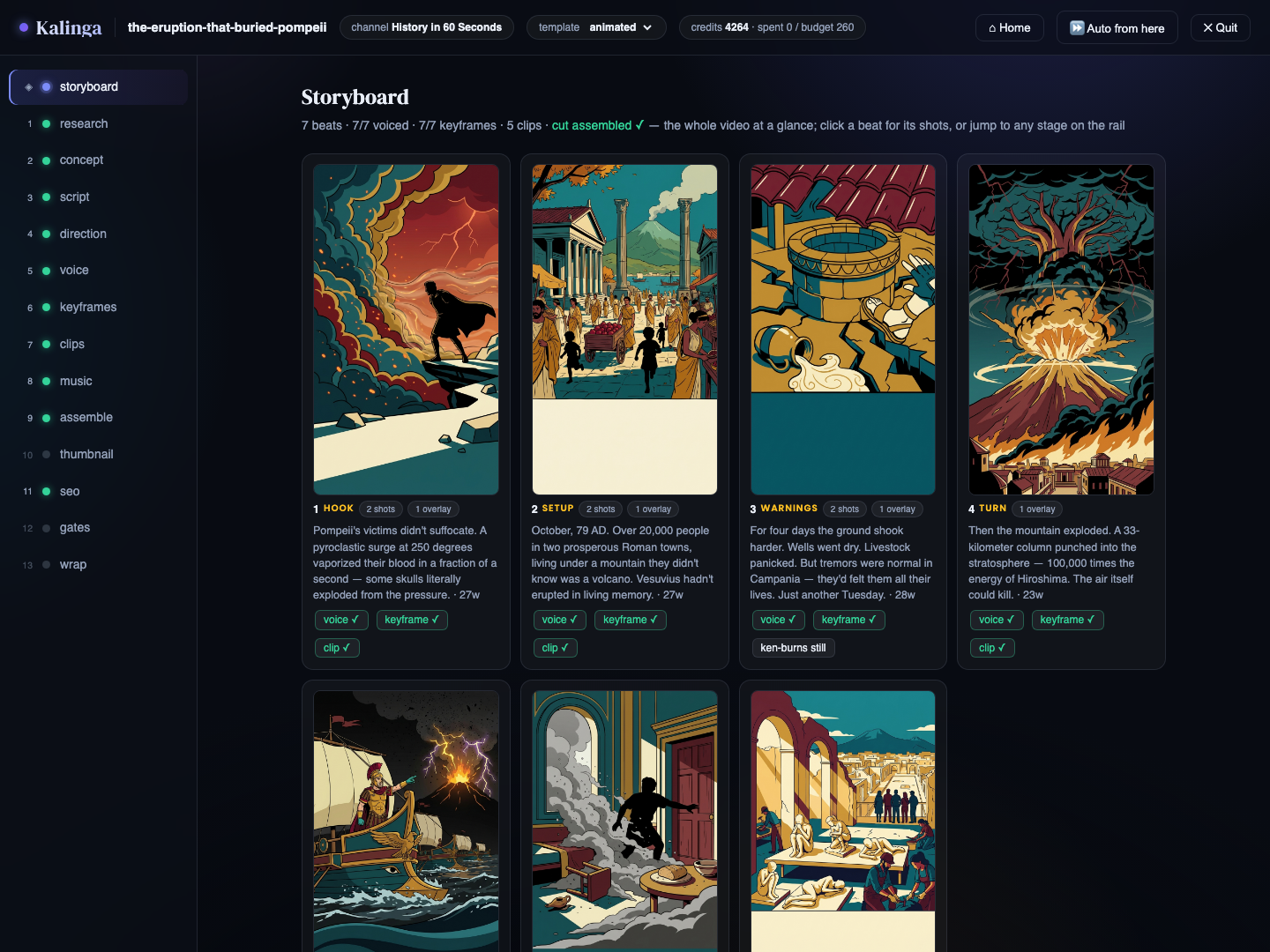
The storyboard — every beat of a run at a glance
The storyboard — every beat with its keyframe, voice, overlay and clip state at a glance.
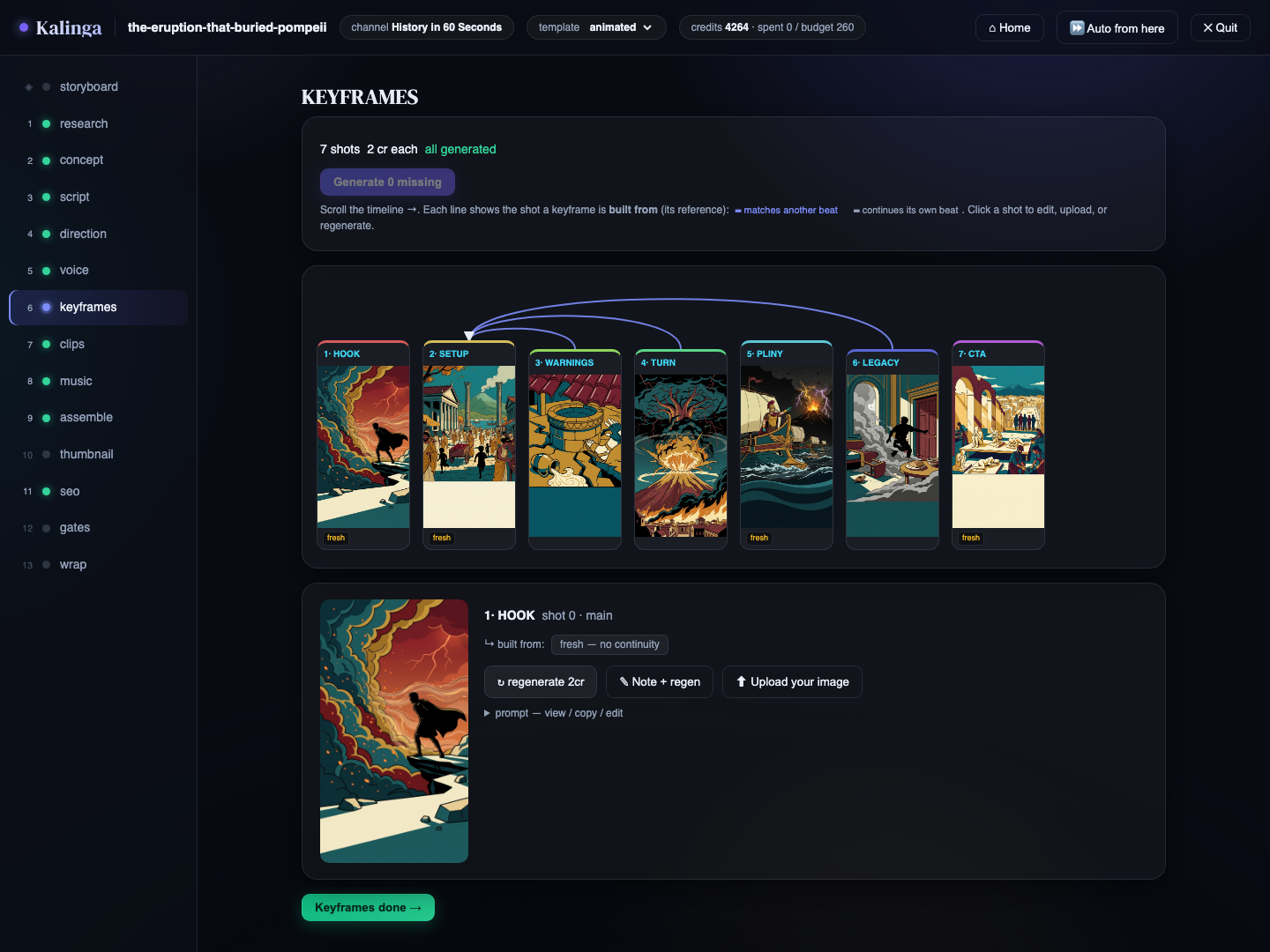
The keyframes stage with the continuity graph
Keyframes — the shot timeline and continuity graph keep the visual world consistent.
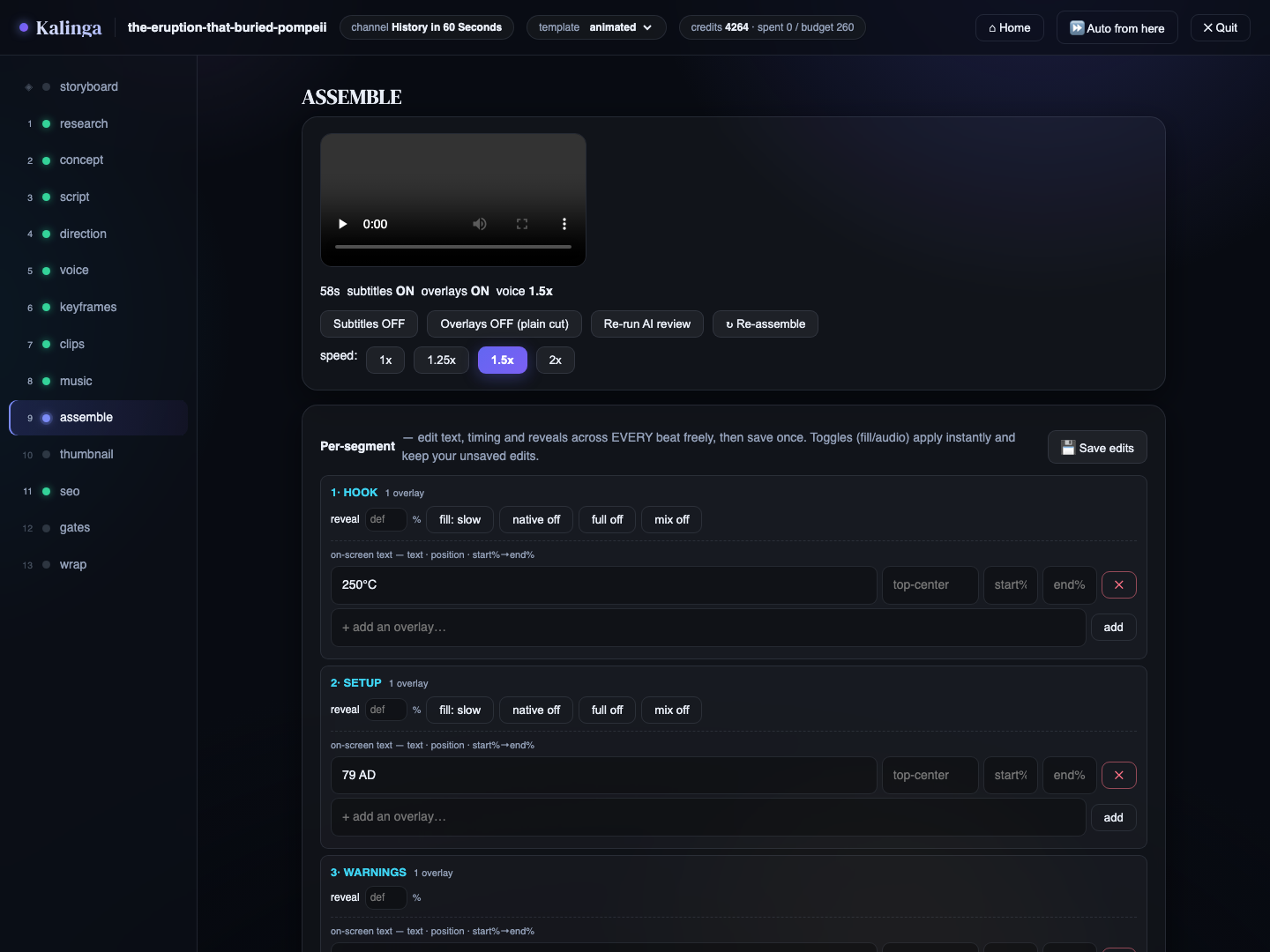
The assemble stage — per-beat overlay and timing editor
Assemble — design the whole cut before the first render; one build applies everything + AI review.

What's in the box

AI channel designer

Describe a channel idea in one line — get the premise, narrator persona, beat structure, voice/visual rules and starter SEO, all editable before scaffolding.

A research-aware director

Designs a bespoke visual world per video: tease/reveal arc, per-beat visuals and motion, a keyframe continuity graph — under a facts lock so numbers never drift.

Voice, your way

Free edge-tts with karaoke timings, ElevenLabs or Inworld, multi-character casts with per-line expression — or record your own voice, whisper-aligned.

Recurring cast & brand

Generated character avatars with a 36-image reference library each, so the same face appears every episode; plus an AI logo/watermark/banner kit.

Gates & AI review

Tech QC, virality scoring with an automatic hook rewrite, SEO lint — and an LLM that watches a frame per beat and proposes layer-attributed fixes.

A memory for your taste

Two-tier learnings distilled from your edits and critiques become standing instructions for every future script.

Resumable, nothing lost

Rerun after any failure and cached stages skip; every superseded artifact is archived to .versions/ and restorable.

Built to extend

Research adapters, generation providers, TTS engines and UI actions are one-entry registries; a channel or a look is just a folder.
Two demo channels, videos included

The repo ships two reference channels, each with a finished run already inside — something to explore before you spend a single credit. And for a real channel running on Kalinga in the wild, see @the_founder_stories on Instagram.

history-shorts

The video-heavy demo: one pivotal moment in history per Short, told through generated moving clips. Shipped run: the eruption that buried Pompeii.

daily-science

The image-heavy explainer: one surprising piece of science per ~60s Short, built from stills + Ken Burns motion — the cheaper style. Shipped run: why is the sky blue.

Quick start

Python 3.9+, ffmpeg, and two one-time CLI logins. No API keys required.

# 1. Python deps
python3 -m pip install -r requirements.txt

# 2. ffmpeg (assembly; a libass build enables karaoke captions)
brew install ffmpeg

# 3. The two CLIs Kalinga drives (one-time logins)
curl -fsSL https://claude.ai/install.sh | sh
curl -fsSL https://raw.githubusercontent.com/higgsfield-ai/cli/main/install.sh | sh
higgsfield auth login

# 4. Guided setup, then explore the demo runs in the browser
python3 kalinga.py init
python3 kalinga.py ui

# 5. Produce a Short
python3 kalinga.py ship # headless one-shot
python3 kalinga.py make --ui # stage-by-stage in the browser

Extending it

The engine is channel-agnostic; the variable parts are one-entry registries.

To add…Edit
a research sourceresearch.ADAPTERS
a generation backendmake_video.PROVIDERS
a TTS enginemake_video.ENGINES
a channel / a visual looka folder in channels/ · a yaml in templates/
a browser-UI actionwebui/actions.py + webui/state.py